Our Collage Maker offers several pre-made layout options to help you get your collages started in no time. All of our layouts can be easily customized to add/delete cells depending on how you want your collage to look.
Some layouts are only available for BeFunky subscribers. Upgrade your subscription here!
Collage Wizard
The Collage Wizard will automatically generate several preset collage layouts to choose from based on the images you have selected. The Collage Wizard uses the images you select to make a perfect collage without cropping.
Freeform
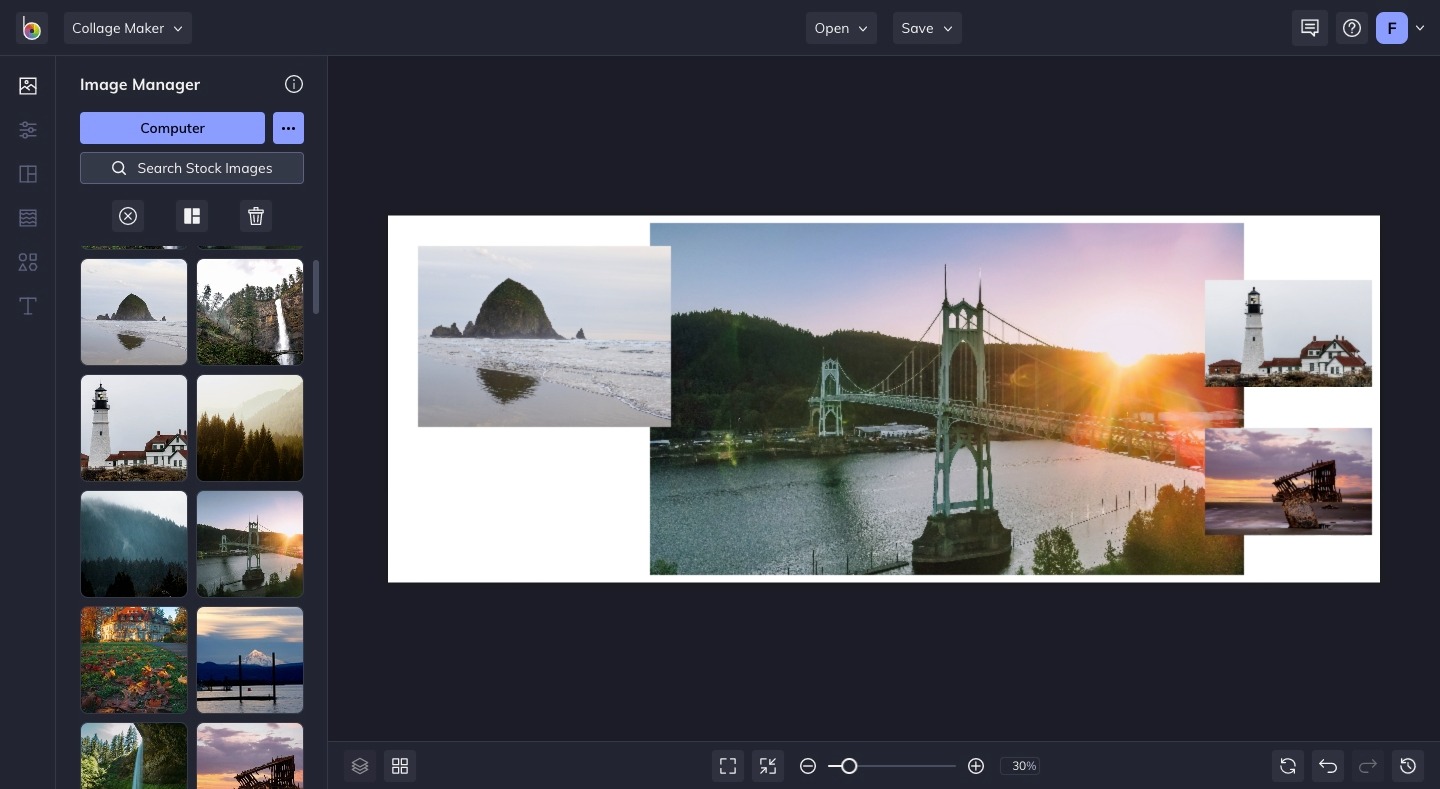
The Freeform layout is a more free-form blank layout space. Starting with a blank canvas, you can then add images, graphics, and text directly to arrange as desired. These design elements will populate as layers, rather than rectangular cells, so the functionality will be a little different than using a layout from one of the categories below.
Custom
The Custom layout lets you create a grid-style collage with a specific number of cells and a set aspect ratio. You can choose up to 26 rows (horizontal) and 26 columns (vertical), and you’ll also be able to select your preferred aspect ratio for the overall collage.
Featured
The Featured layouts are some of our most popular and highly used layouts. All of our Featured layouts are now easier to find with the click of a button.
Grid Layouts
The default layout, when you start a new project in Collage Maker, will be a 3 x 3 cell grid for a total of 9 images. Other Grid layouts include square and rectangular orientations, in varying dimensions.
Once you load your images into the grid, you can switch between different Grid layouts and see your images populate the cells in your selection.
Big Photo Wrap Layout
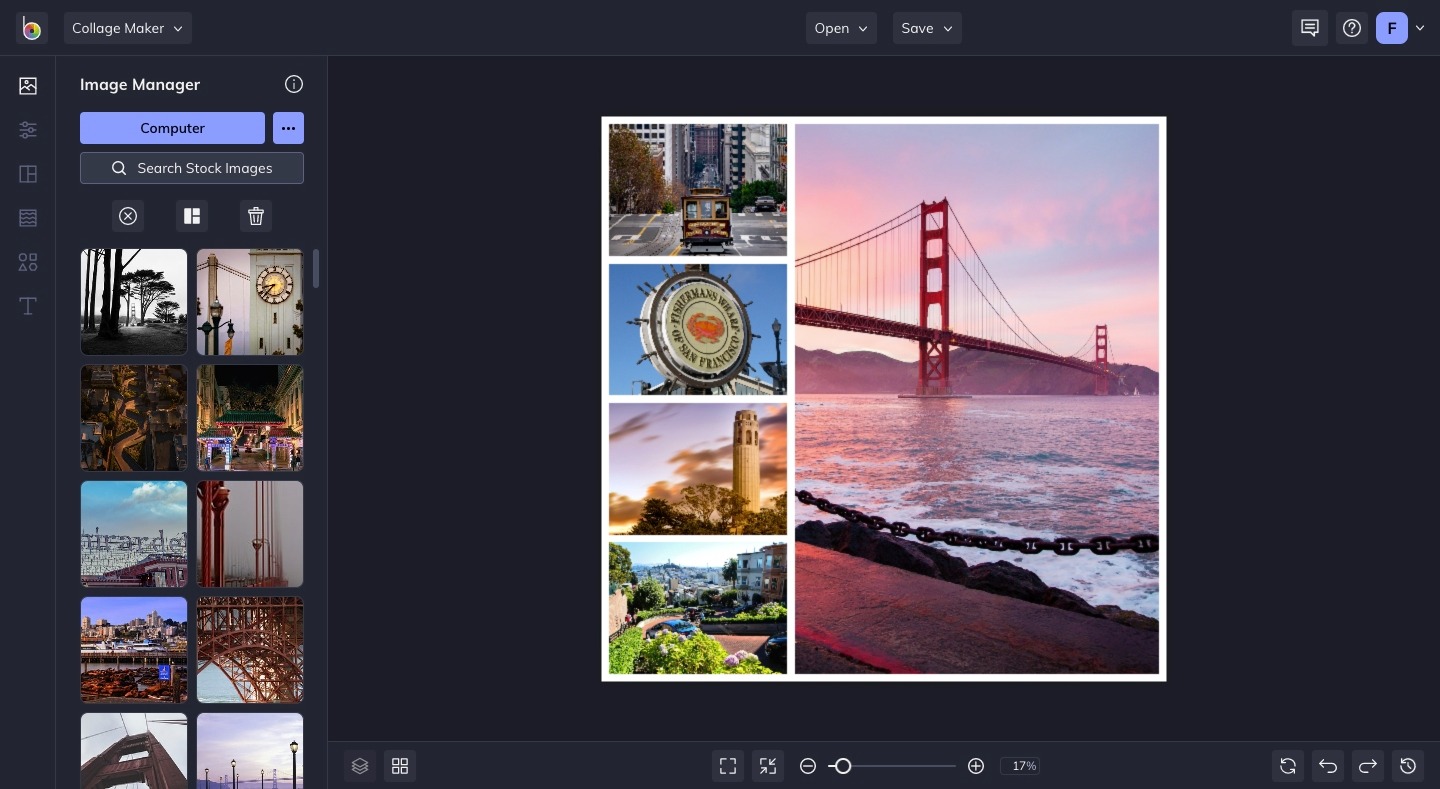
The Big Photo Wrap layouts feature one big cell for your most important image surrounded by other collage cells for supporting imagery. Use this when you want to highlight one photo above the rest.
Shape
If you need a break from a standard grid layout, the Shape layouts are a fun way to mix up your collages!
Facebook Cover Layouts
Our Facebook Cover layouts will help you create the perfect photo collage for your Facebook page. They’re precisely sized for Facebook headers, and feature unique layouts to help you create intriguing photo collages with all of your favorite images. There’s even intentional space left for your Facebook profile image, so you don’t have to worry about covering part of your photo collage.
Pinterest Pin Layouts
Once you've chosen a layout, customize your collage, save it, and share with the world!